
Tech-Protect SMART WALLET GALAXY A57 5G MULBERRY (5906302392131)
Product images are illustrative. The original product may vary, so please refer to the product specifications in the product description.
Price
€ 18.44The e-shop price may differ with shops price. Price valid while supplier stock lasts.
Points  +18
+18
Delivery time and options
-
 12-14 days
 -
 12-14 days
 -
 12-14 days
 -
 12-14 days
 -
 12-14 days
Product details
| Product code | 5906302392131 |
| EAN | 5906302392131 |
Product description
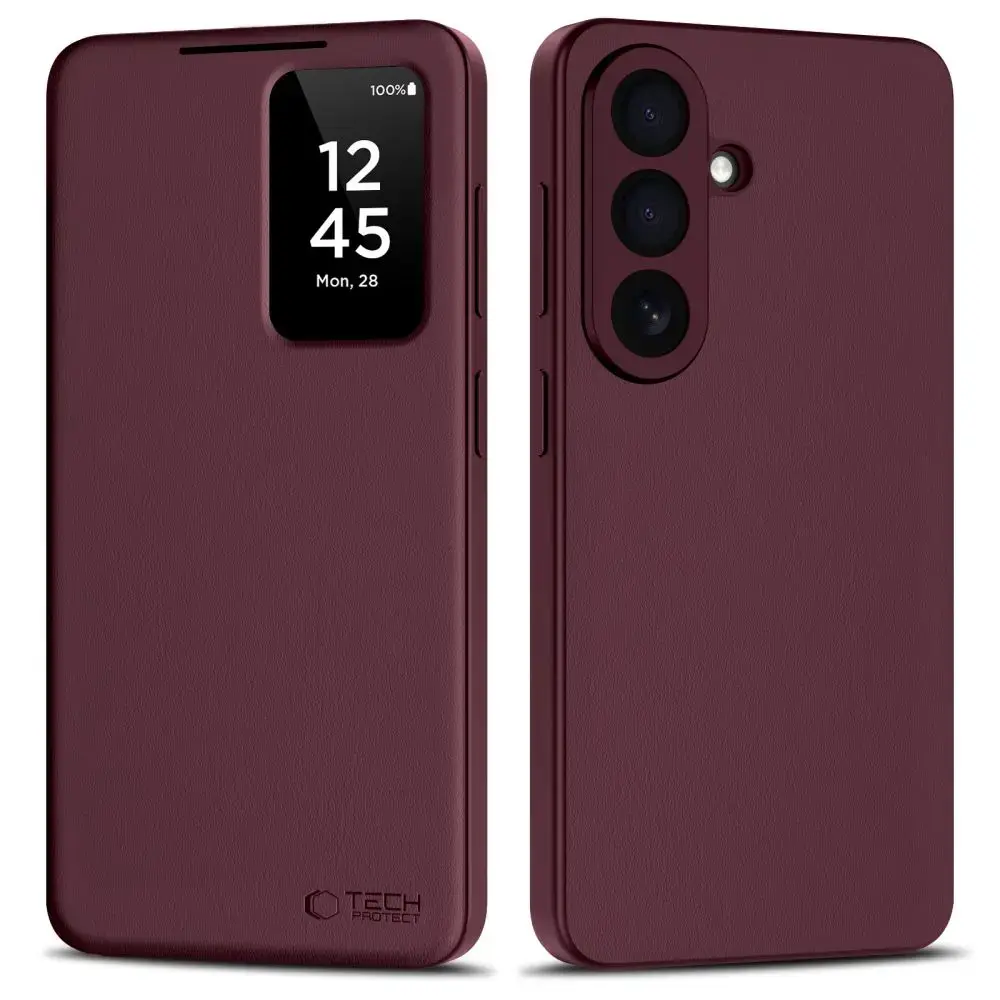
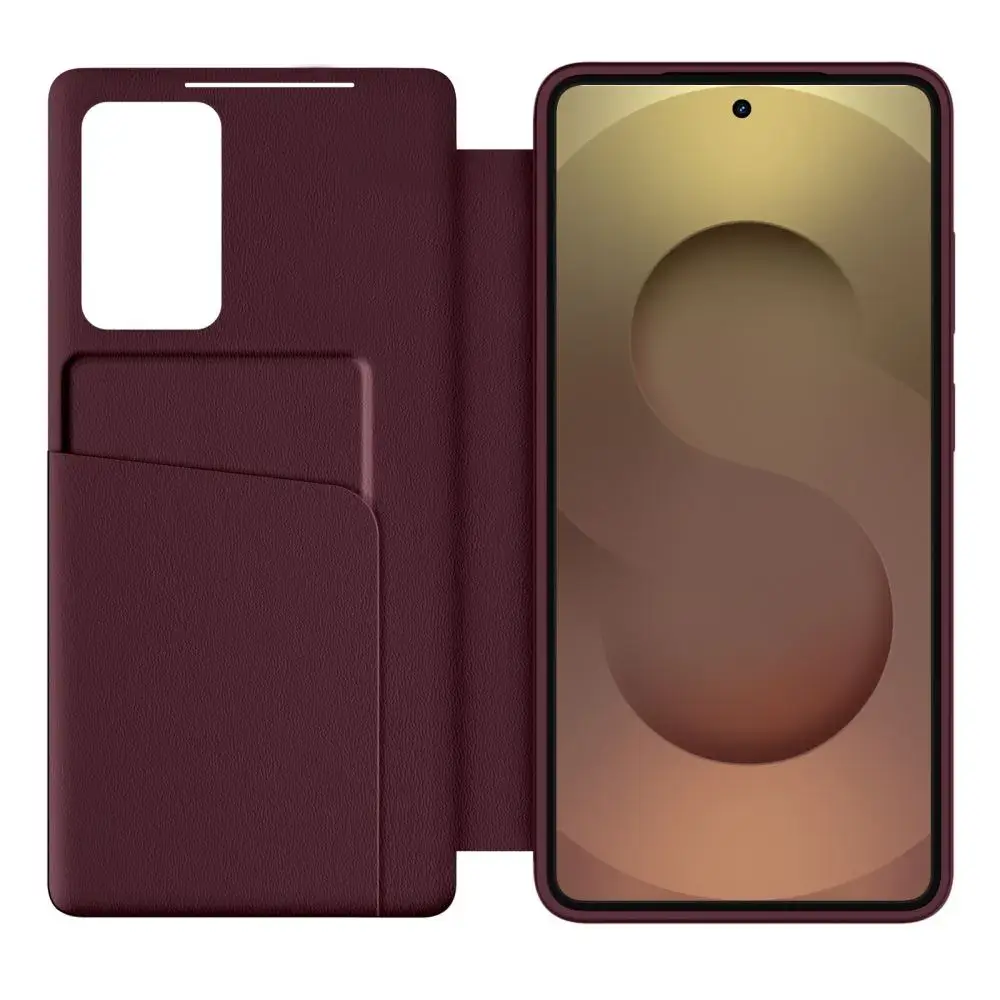
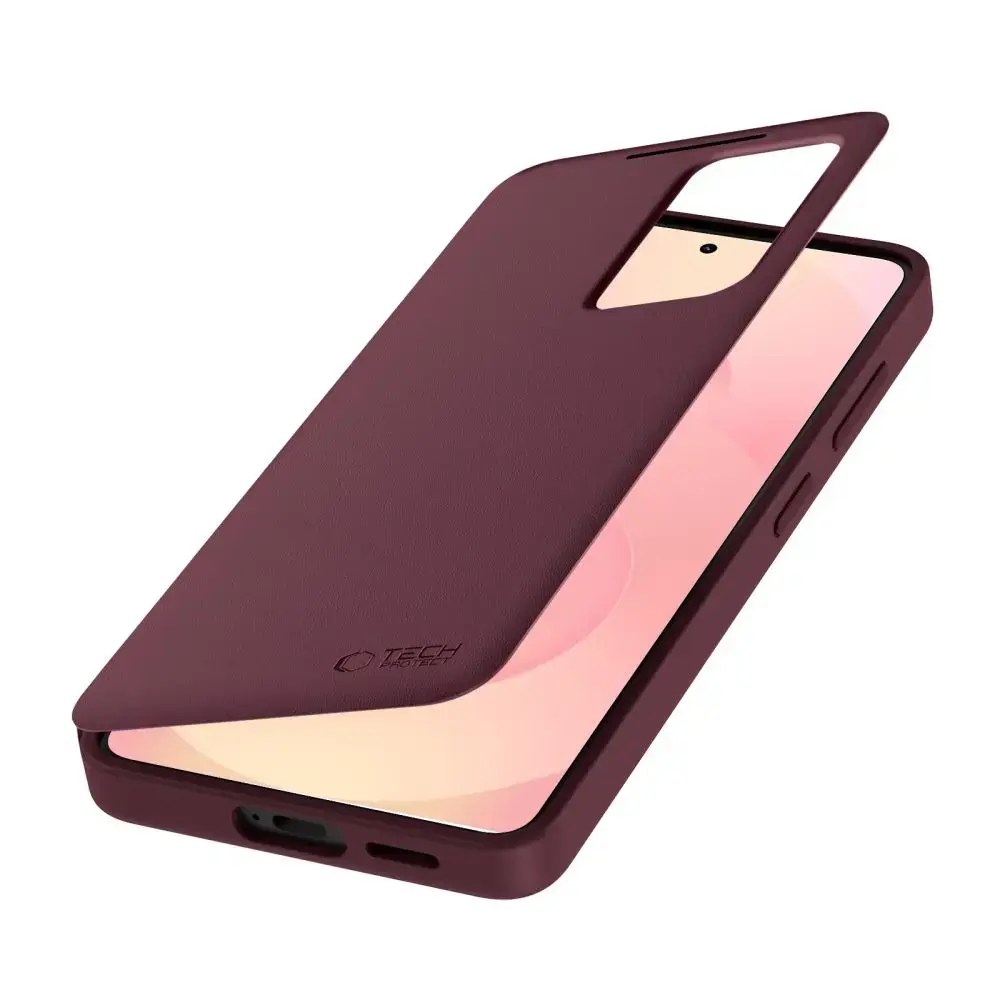
The Tech-Protect Smart Wallet for Samsung Galaxy A57 5G is the perfect fusion of sophisticated style and everyday utility. Designed to protect your device from scratches, impacts, and daily wear, this sleek folio case features a built-in pocket for your essential cards or cash, allowing you to travel light without the need for a traditional wallet.
Smart Functionality at Your Fingertips
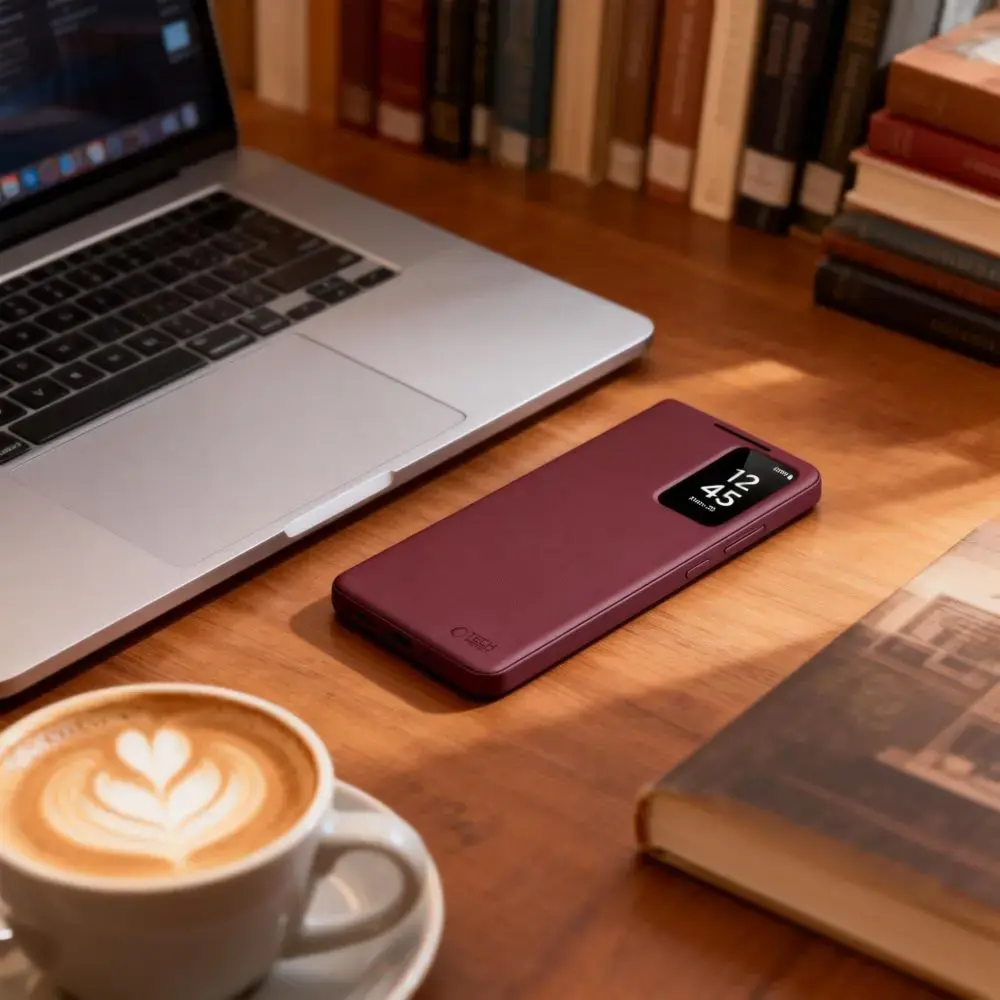
Stay connected effortlessly with the integrated Smart Window. This feature allows you to view the time, date, and incoming notifications at a glance without ever opening the cover. By pairing the case with the dedicated application, you can fully customize your display for a personalized experience. The slim, ergonomic design ensures a comfortable grip, while the secure magnetic closure keeps your phone protected and easily accessible.
Key Features
100% original product in authentic packaging
Smart Window functionality for quick status updates
Integrated storage pocket for cards and banknotes
Slim, elegant design that maintains the phone's profile
Precision cutouts for seamless access to ports, buttons, and camera
Magnetic closure for added security
Technical Specifications
Model: Smart Wallet
Design: Folio case with flip cover
Compatibility: Samsung Galaxy A57 5G
Color: Mulberry (Bordowy)
Storage: Built-in card and banknote slot
Kit Contents
1 x Tech-Protect Smart Wallet Case
Setup Instructions
Download: Scan the QR code provided in the packaging to download and install the required application.
Configure: Open the app, activate it, and follow the on-screen prompts to sync with your device.
Activate: Keep the software running in the background to ensure the Smart Window features remain active and responsive
