
Tech-Protect MAGBLAST phone case with MagSafe support for Samsung Galaxy S26 Ultra (S948) black (5906302323739)
Product images are illustrative. The original product may vary, so please refer to the product specifications in the product description.
Price
€ 14.40The e-shop price may differ with shops price. Price valid while supplier stock lasts.
Points  +14
Delivery time and options
-
 11-13 days
-
 11-13 days
-
 11-13 days
Product details
| Product code | 5906302323739 |
| EAN | 5906302323739 |
Product description
Description
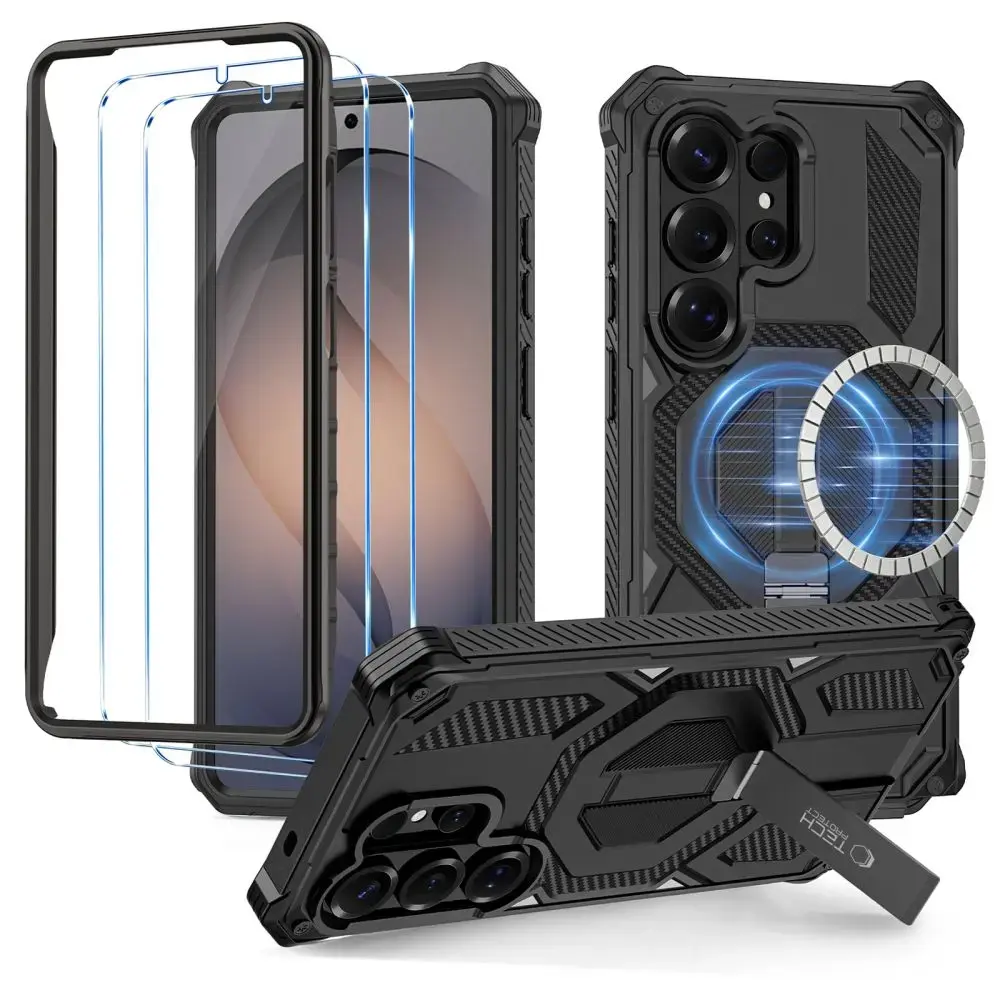
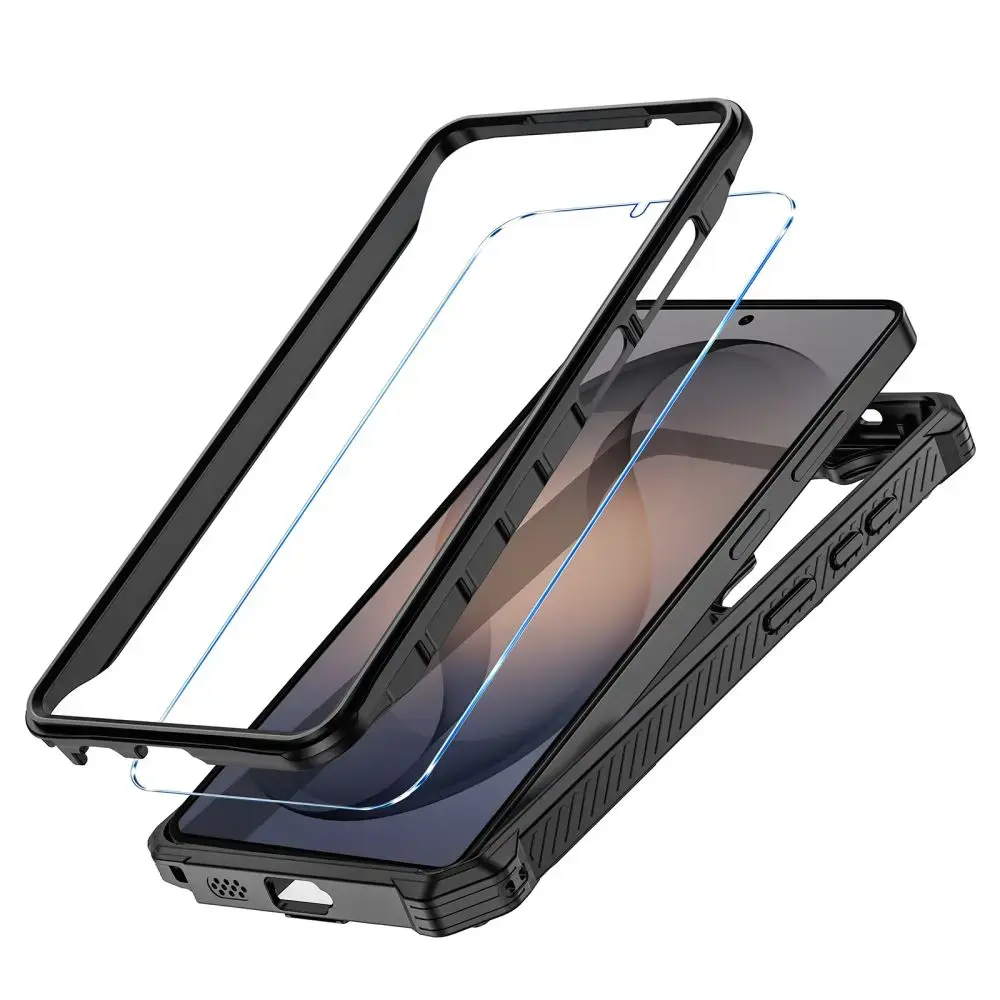
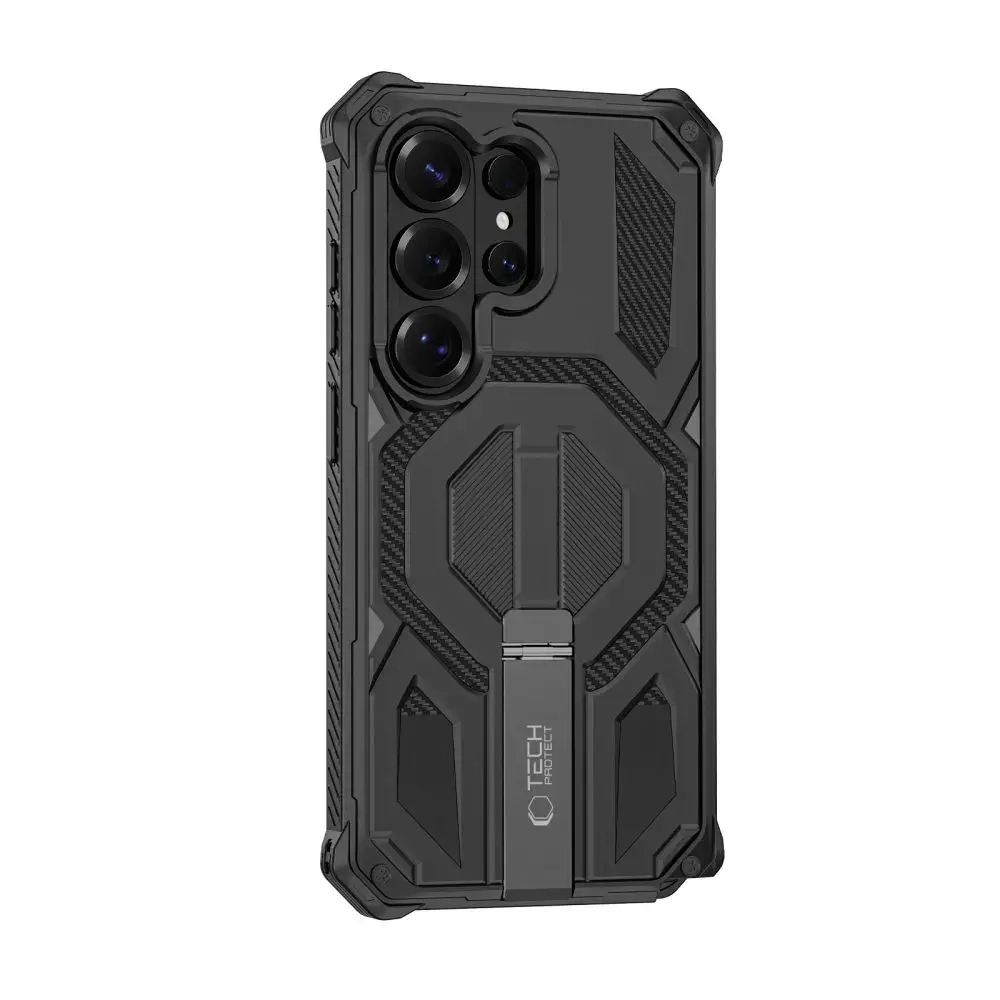
Tech-Protect MagBlast is an armored case from the MagSafe series that combines a durable hybrid TPU + PC construction with a built-in ring and a foldable kickstand. Everything in one set – a case, a PC frame, and tempered glass for complete 360° protection.
The dual-layer housing made of flexible TPU and hard PC effectively cushions impacts and protects against drops. Raised edges around the screen and camera secure the most vulnerable elements, while a carbon pattern with transverse reinforcement gives the case a military character. Edges finished with anti-slip TPU improve grip certainty during daily use. The built-in MagSafe ring allows for the use of accessories and car mounts without any additional elements.
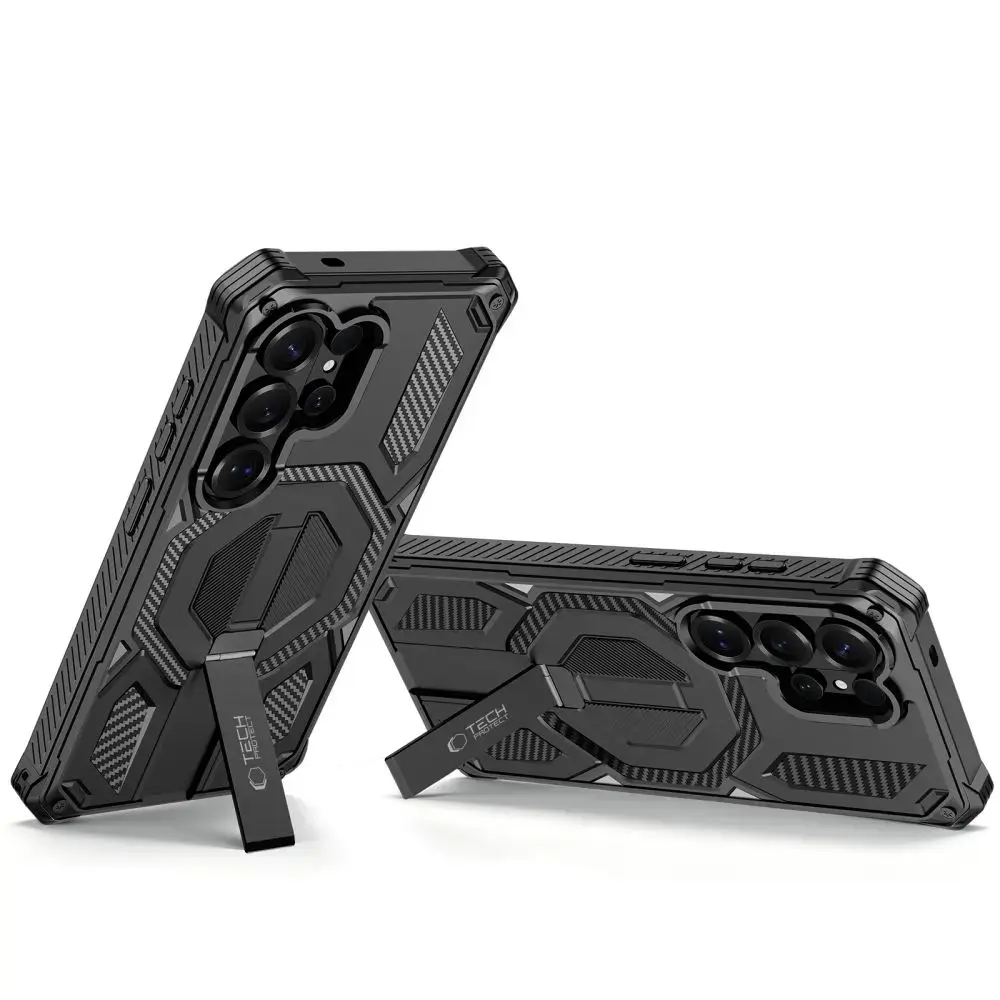
The foldable kickstand allows you to set the phone in a stable vertical or horizontal position on a desk, while watching movies or participating in video conferences. The set includes two tempered glasses that can be installed, providing comprehensive display protection without affecting touch sensitivity or image quality.
Product Features
100% Original
Packed in original packaging
Armored TPU + PC construction
Built-in MagSafe ring
Foldable kickstand
Raised edges
Complete 360° protection
Specifications
Model
MagBlast
Compatibility
Samsung Galaxy S26 Ultra
Material
TPU + PC (polycarbonate)
MagSafe
Yes (built-in ring)
Kickstand
Yes (foldable, vertical and horizontal)
Tempered glass
Yes
Color
Black / Black
Set includes
1 × Tech-Protect MagBlast Case
2 × Tempered glass
2 × Installation kit
Installation Instructions
1. Start the installation in the bathroom right after a bath – water vapor will absorb all the dust from the atmosphere so it won't interfere with your installation.
2. Thoroughly clean and degrease the screen surface, then polish it to a shine using a dry cloth.
3. Install the coating as evenly as possible – you can position it using two strips of tape, sticking them to the side of the device.
4. Remove air bubbles by firmly pressing the entire surface with circular motions for several dozen seconds. Do this so that the adhesive layer bonds with the screen as strongly as possible.
document.addEventListener('DOMContentLoaded', function() {
const accordion = document.querySelector('.fd-accordion');
const accordionItems = document.querySelectorAll('.fd-accordion-item');
function isInEditor() {
if (window.frameElement) return true;
if (document.designMode === 'on') return true;
if (document.body.contentEditable === 'true') return true;
if (window.location.href.includes('/admin')) return true;
if (window.location.href.includes('/edit')) return true;
if (window.location.href.includes('editor')) return true;
if (document.querySelector('[contenteditable="true"]')) return true;
if (document.querySelector('.cke_editable, .mce-content-body, .fr-element')) return true;
return false;
}
if (isInEditor()) { return; }
accordion.classList.add('js-initialized');
accordionItems.forEach((item, index) => {
if (index === 0) { item.classList.add('active'); } else { item.classList.remove('active'); }
});
accordionItems.forEach(item => {
item.addEventListener('click', function(e) {
const selection = window.getSelection();
if (selection && selection.toString().length > 0) { return; }
this.classList.toggle('active');
});
});
})
